Stuck?  support@mecway.com
support@mecway.com

Mecway
FEA
Simulation of Planar Magnetic membranes; tweeter and midrange.

For the full context, please look in this thread at diyaudio.com.
I'm new to Mecway, so please bear with me if I'm using the wrong vocabulary or asking very simple questions.
I'm not all new to FEA; I've been using FEMM4.2, simulating magnetics for loudspeakers, for many years.
A planar magnetic usually has the following components:
Steel plates,
Magnets,
Membrane,
Electric conductors.
The electric conductors are usually very thin aluminum foil bonded to the membrane.
The membrane could be PET, PEN and so on and is also very thin.
I want to use Mecmay to simulate eigenmodes of the membrane and then the modes from applying force from the aluminum foil so that I can come up with countermeasures, as these modes most often introduce harmonic distortion.
My first problem is:
In the tweeter case I have a 12µm PEN membrane in a retainer. The free part of the membrane is 75mm in diameter, it is glued to the retainer while being tensioned.
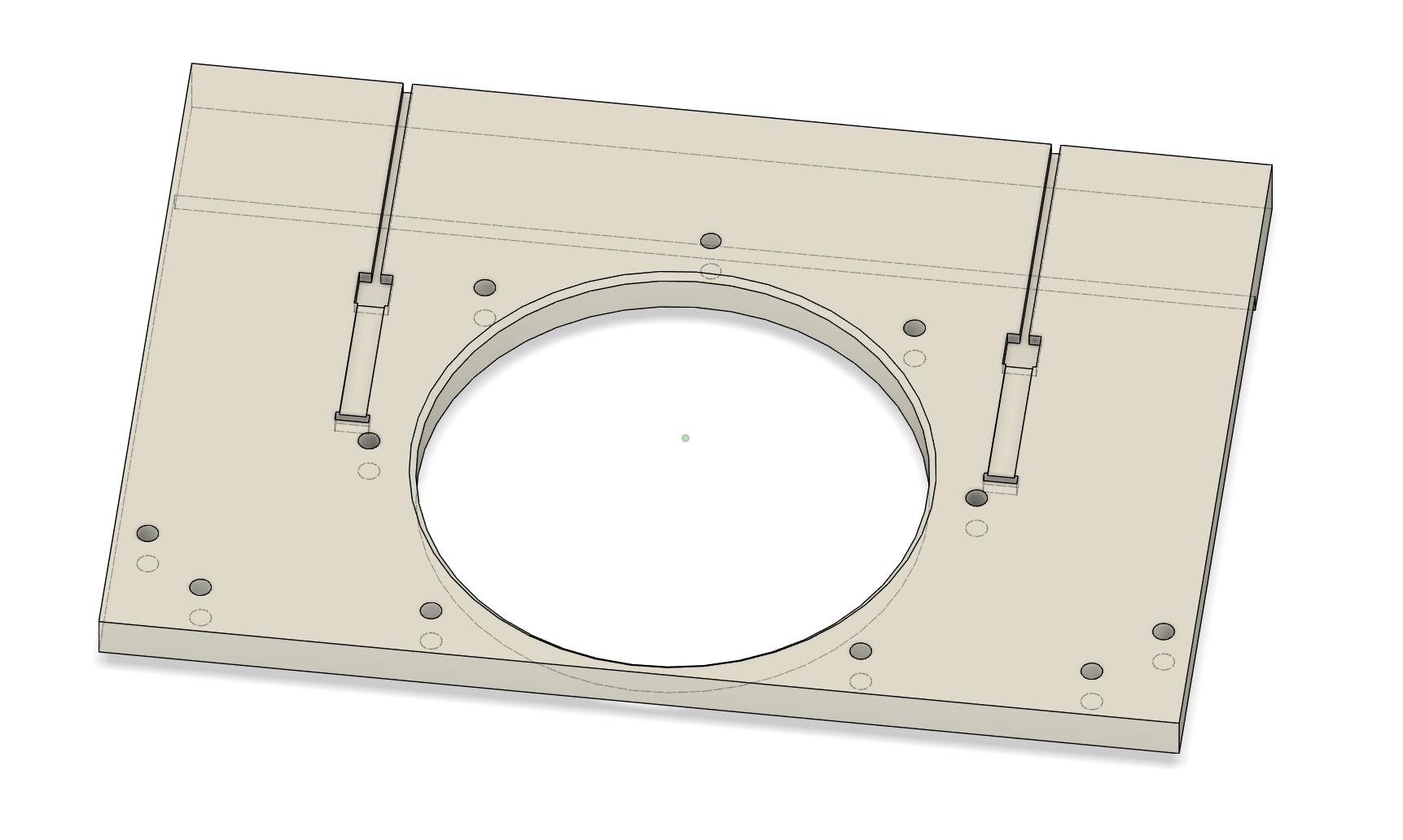
I want to find the bare membrane's eigenmodes.
I have managed to mesh the design, and I have a named selection for the perimeter.
But I don't know what Loads or Constraints I should apply to the perimeter.
I'm new to Mecway, so please bear with me if I'm using the wrong vocabulary or asking very simple questions.
I'm not all new to FEA; I've been using FEMM4.2, simulating magnetics for loudspeakers, for many years.
A planar magnetic usually has the following components:
Steel plates,
Magnets,
Membrane,
Electric conductors.
The electric conductors are usually very thin aluminum foil bonded to the membrane.
The membrane could be PET, PEN and so on and is also very thin.
I want to use Mecmay to simulate eigenmodes of the membrane and then the modes from applying force from the aluminum foil so that I can come up with countermeasures, as these modes most often introduce harmonic distortion.
My first problem is:
In the tweeter case I have a 12µm PEN membrane in a retainer. The free part of the membrane is 75mm in diameter, it is glued to the retainer while being tensioned.
I want to find the bare membrane's eigenmodes.
I have managed to mesh the design, and I have a named selection for the perimeter.
But I don't know what Loads or Constraints I should apply to the perimeter.
Howdy, Stranger!
It looks like you're new here. If you want to get involved, click one of these buttons!
Comments
So if I strum a mounted membrane to get the first mode, I can calibrate the simulation parameters?
But then I cannot set Fixed support for the perimeter.
Can I use Displacement Z=0 instead?
Yes, you can use a zero displacement in Z. Or fixed support applied to the element edge "faces". To convert the selected nodes to faces, use Edit -> Select faces.